Zoho CRM Lead Magnet

🎨 Zoho CRM Lead Magnet
WPThemeDetector has detected that Zoho CRM Lead Magnet is a popular WordPress plugin, which is expertly developed by the talented author named ! It has an impressive 3.2 out of 5 ratings (based on 24 user reviews), with up to 3000 number of downloads, showcasing its wide user base and trust. : This plugin infomation is last updated on January 28, 2026.
Download Plugin Best Web HostingIn this section, WPThemeDetector provides detailed information about the WordPress plugin Zoho CRM Lead Magnet, including the plugin’s author, the latest version, user reviews & ratings, downloads, screenshots, etc.
| Plugin Name | Zoho CRM Lead Magnet 🔗 |
| Popularity | Active Installs: 3000🔹Star Ratings: 🔹User Reviews: 24 |
| More Info | Current Version: 1.8.1.5🔹Author: 🔹Last Updated On: 🔹Required WP: 6.0🔹Required PHP: Unknown |
| Tags | |
| Description | Websites are one of the most important sources of leads for your business. That means your CRM system should be well integrated with your website to contextually capture each and every visitor to turn them into a lead. Introducing the Zoho CRM Lead Magnet plugin for WordPress. This lets you create webforms, embed them in your website, and automatically capture leads directly into your CRM with zero attenuation. Not only is the integration easy to set-up but it’s also easy on your wallet. Overall usage flow
For businesses that want to maximize their websites, the Zoho CRM Lead Capture plugin for WordPress CMS is an ideal solution. Key featuresTwo forms, one solution This plugin works well with forms created using Zoho CRM and Contact 7 Form plugin. Light on code Creating a form is incredibly simple and the entire process of establishing an integration involves a few drag-drops and copy-pastes. Simply create, embed, and capture. Capture leads and more Using this plugin not only lets you capture leads but also additional custom modules you create for unique business needs. Capture. nurture. win. The Information entered in a website’s form is automatically pushed into Zoho CRM with zero attenuation. Now you never miss out on another lead. Light on your purse The plugin is absolutely free of cost. No hidden fees, no additional costs. All you need is a website hosted with WordPress and a Zoho CRM account. Special mail-tags support
For examples Please feel free to contact us for any further assistance: support@zohoextensions.com A vulnerability reporting program in “Bug Bounty”, to reach the community of researchers, is in place, which recognizes and rewards the work of security researchers. We are committed to working with the community to verify, reproduce, respond and implement appropriate solutions for the reported vulnerabilities. |
| Screenshot | 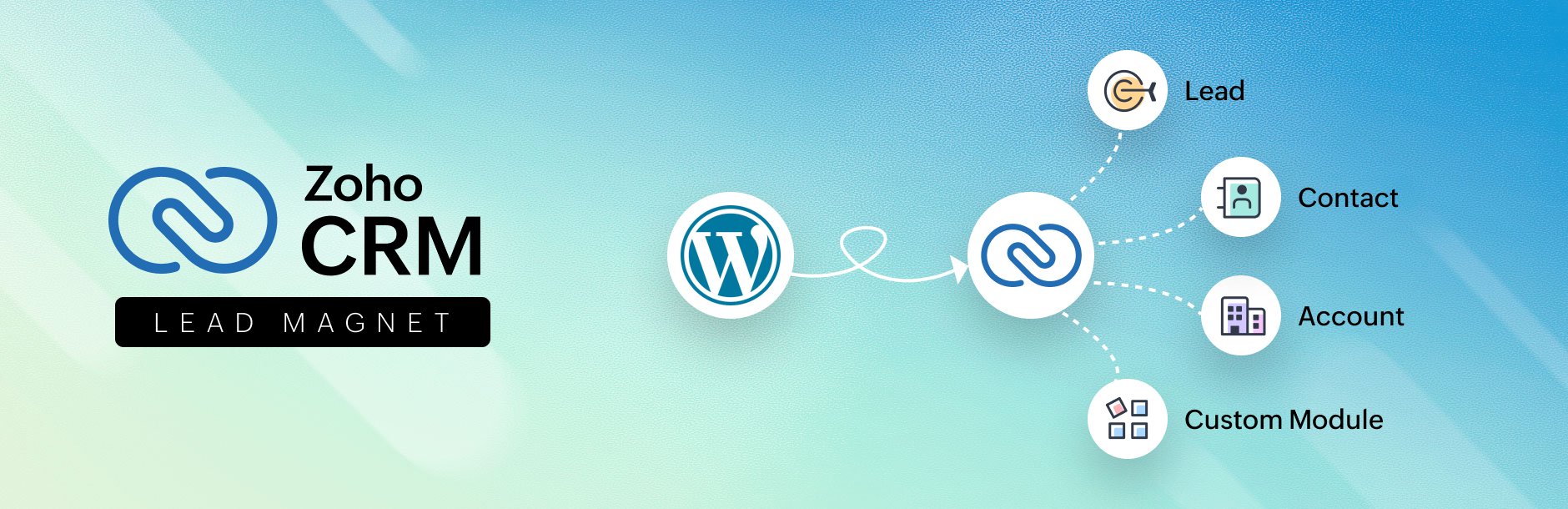 |
| Plugin Homepage | Download This Plugin |
Zoho CRM Lead Magnet Website Examples
WP Theme Detector analyzes public information on WordPress websites. Information may not be 100% accurate. Some plugins cannot be detected, and others have poor detection accuracy. It is cached for a certain period to reduce load.
🔥Recommended WordPress resources
WordPress is a versatile and powerful platform, and creating a website in 2026 requires the right resources. Here are some recommended tools to help you make the most of your WordPress journey: